
ChatGPT Can Make Your Poll Now
“So when works for everyone?”
Forty messages later, nobody knows. Someone says Friday, someone else means Friday next week, and Ben hasn’t answered at all. You know the drill.
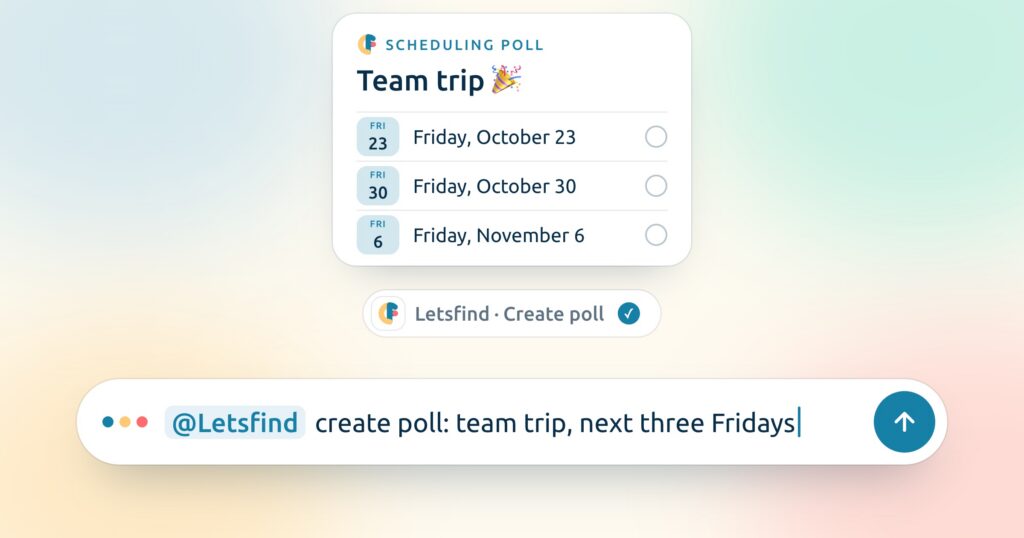
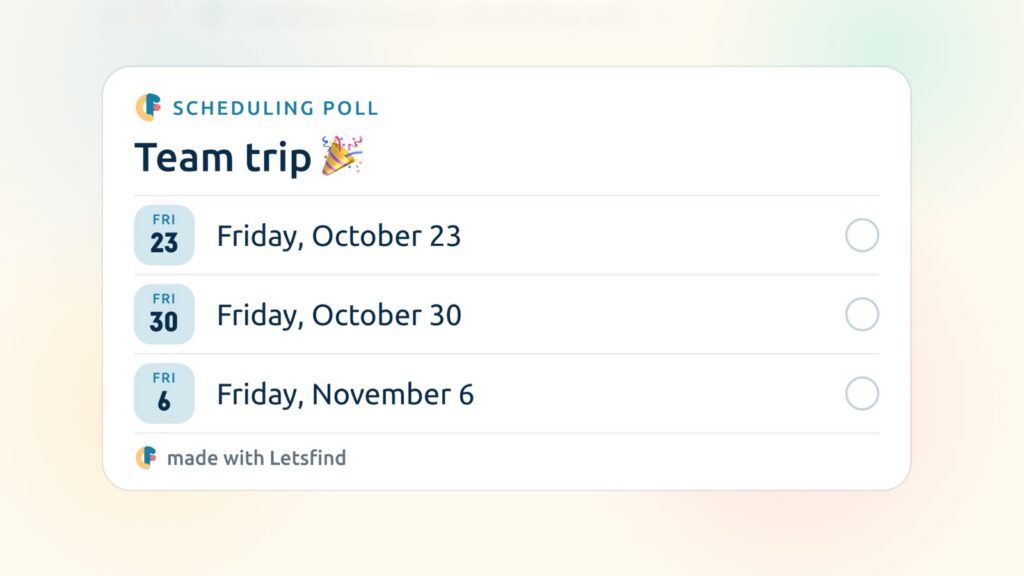
Here’s the shortcut: Letsfind now works right inside ChatGPT. Tell it what you want to plan, and it creates the poll and hands you the link. One sentence, done.
See it in action
Here’s what it looks like when your AI also has access to your mail and calendar.
The AI reads the thread, finds the free Fridays, makes the poll, sends the link to everyone and later tells you which day won. Letsfind only does the poll part. Mail and calendar are apps you connect in your AI directly, and Letsfind never sees any of it.
Why you’ll love it
Letsfind is a free online poll maker from Switzerland. And now it lives right in your AI.
Just say it
No form, no date picker. Say it the way you’d say it to a friend:
- “Set up a poll for our team dinner. Thursday, Friday or Saturday next week at 7pm.”
- “Make a poll for where we eat on Friday: pizza, sushi or Thai.”
Your friends don’t need ChatGPT
They get a normal Letsfind link and vote right in their browser. No app, no account, no AI needed. If they can open a link, they can vote.
Ask instead of checking
“Any votes yet on the team dinner poll?” Your AI tells you who answered and which option is winning. No need to open anything.
One sentence, whole job done
If your AI can also reach your mail and calendar, it handles everything in one go: read the thread, find free days, make the poll, send the link. Just like in the film.
How to set it up in ChatGPT
Letsfind is listed in ChatGPT’s plugin directory, so this one’s quick:
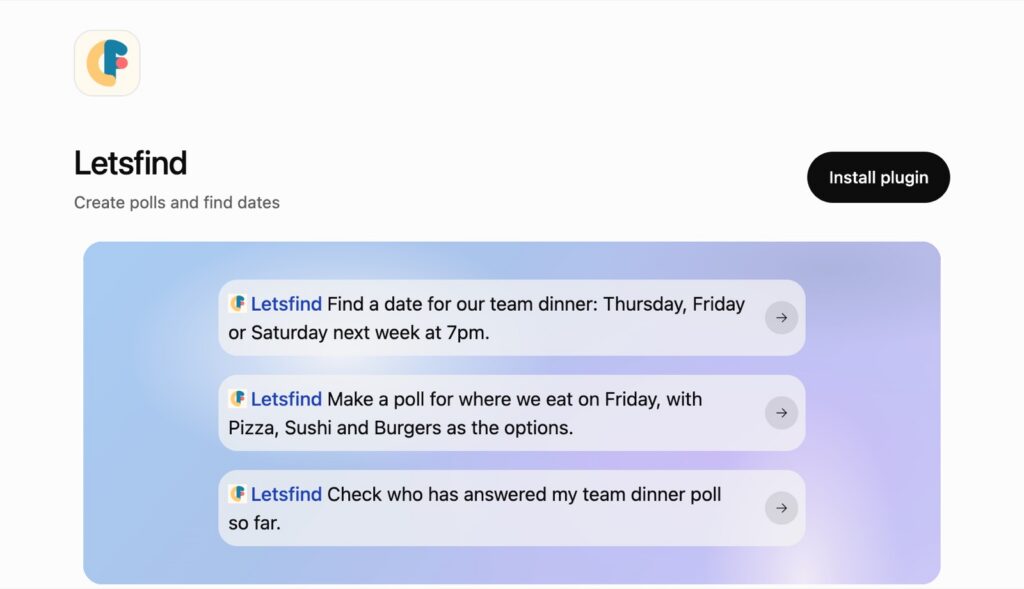
- Open Letsfind in ChatGPT (or search for “Letsfind” under Plugins in the ChatGPT sidebar).
- Click Install plugin.
- Start a new chat and ask for a poll. Type @Letsfind if you want to call it directly.
That’s it. No account, no password, no API key. We don’t need to know who you are to make you a poll, and that hasn’t changed just because an AI is asking.
Using Claude or another AI?
Works there too. Letsfind works with any AI assistant that supports MCP, Claude included. The quick setup for each one is on letsfind.app/ai.
For the curious: what’s MCP?
MCP (Model Context Protocol) is an open standard that lets AI assistants talk to other apps. Think of it like USB for AI: one plug, many devices. Letsfind runs an MCP server, so every assistant that speaks MCP can create polls with it. You don’t need to know any of this to use it. 🤓
Same Letsfind, new door
Letsfind started in 2020 because finding a date for a dinner with friends was way more annoying than it should be. Six years later, you can find that date without leaving the chat you’re already in.
The polls are the same: free, no ads, no tracking, and your friends vote with one link.
Try it: open letsfind.app/ai, connect your AI, and ask for your next poll.
Got an idea what your AI should be able to do with Letsfind next? Write to us at contact@letsfind.app. We read everything, even the wild ones.
Now go ask your AI. It’s got this. 🤖